
Rayied: Your Digital Assistant for Support
Solve problems, get instant answers, and manage your services for all the applications linked to Rayied all in one place!
Fast, Smart,
and Always Available
Your Complete Digital Support
Report issues, track progress, and get instant solutions, all in one place.
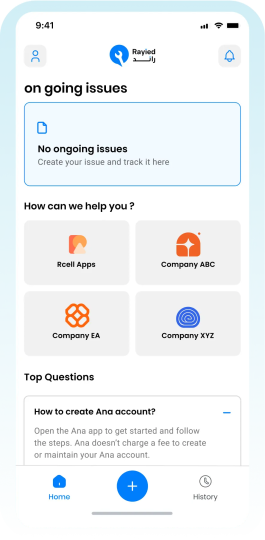
Instant and Free Support
Articles and Solutions
Submit and Track Issues
Support for All Our Apps
Smooth User Interface
Support at Your Fingertips
Enjoy a premium experience and request the support you need through Rayied by logging in with your ANA account.
Create, Manage, and Resolve Issues
Rayied puts support in your hands! Report issues, track progress, and get instant solutions, all in one place.
Solve Problems Instantly and Easily
Send your issue through Rayied and track its resolution step by step for immediate solutions without hassle.
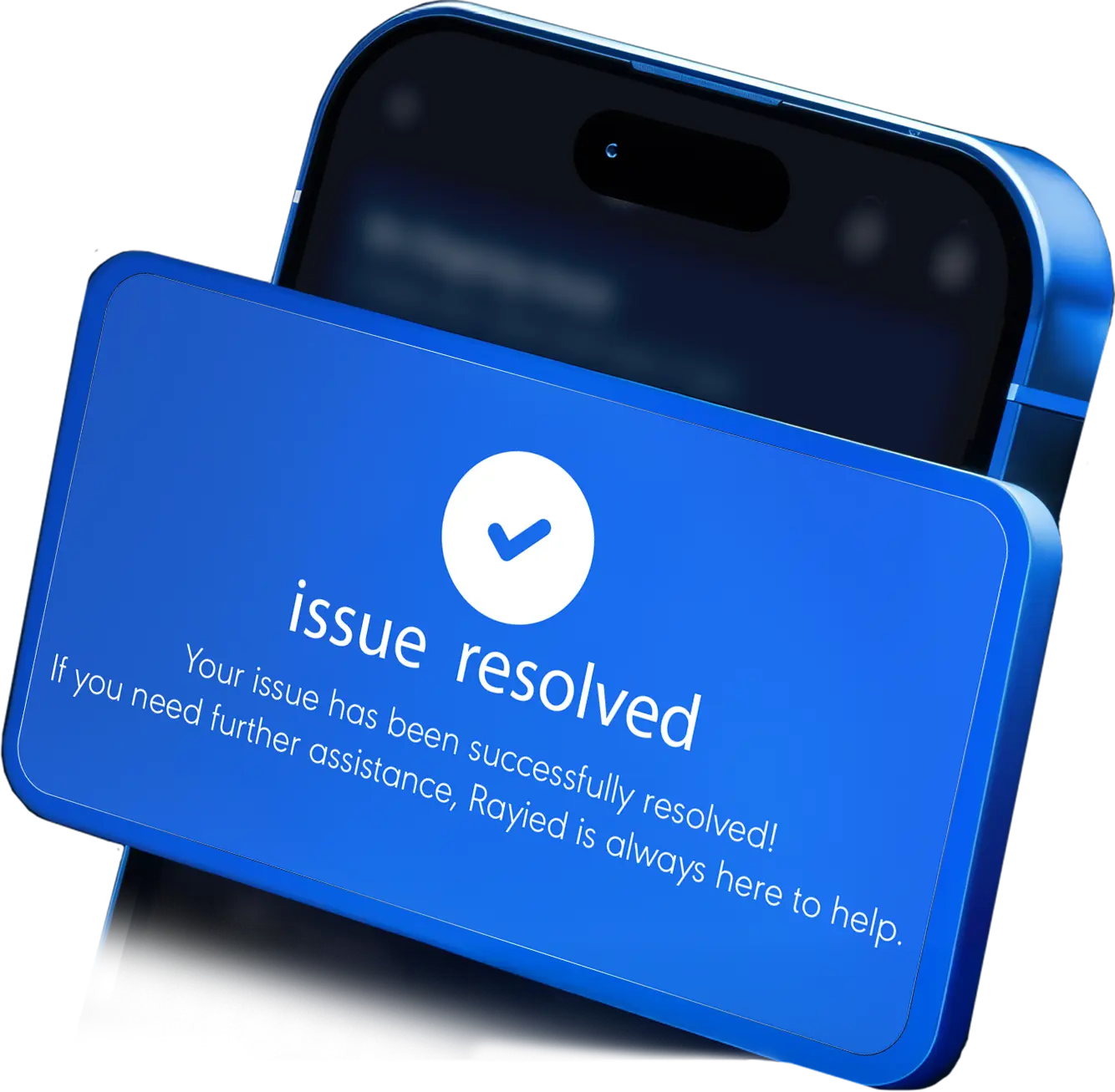
Get Help Without Credit
With Rayied, you can request support and resolve your issues instantly without needing credit.
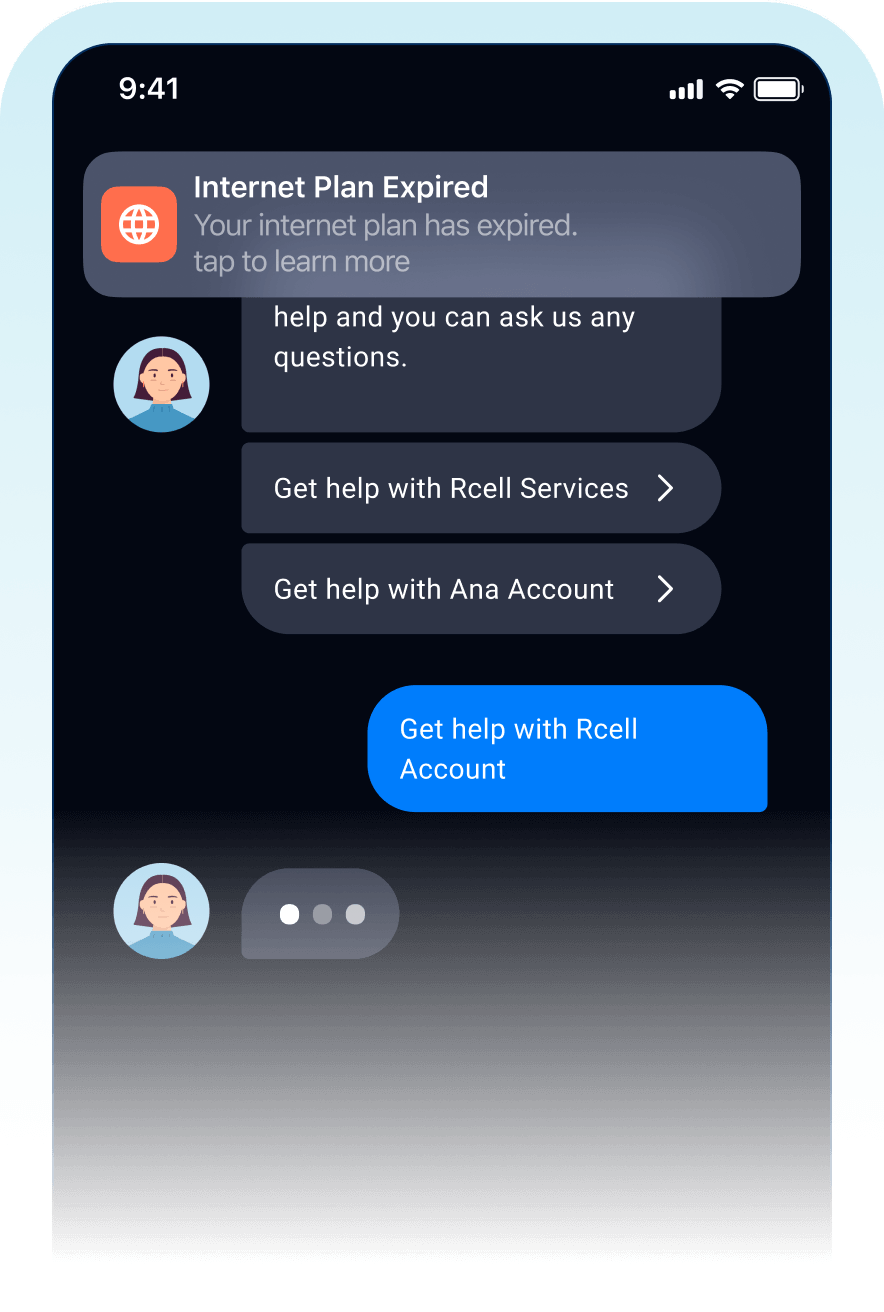
The Best Way to Support Customers
Use Rayied… and Elevate Your Support Service
Customer Comfort
Deliver a smooth, hassle-free support experience that ensures customer satisfaction at every step.
24/7 Support
Continuous support around the clock so customers can get help whenever they need it.
Seamless Business Integration
A unified, efficient, and scalable support system.
Frequently Asked Questions
Welcome to our FAQ section! Here, you'll find answers to the most common questions about our products, services, and policies.

ready to move into an advanced digital experience?
Discover our services and learn how to enhance your digital journey by logging into the Self-Care app with your ANA account. Whether you're streaming content, gaming, or working online, we have the perfect plan to meet your needs.